Why your Map Pack rank changes block by block
The same business can rank #1 outside their own shop and #14 three blocks away. Here is why — and what the rank-tier heatmap shows you that a single rank check never will.
SummaryGoogle Maps rankings are hyper-local. Your rank shifts within a few hundred meters because of proximity, competitor density, and how Google scores the searcher’s context. A single rank number lies. A grid of rank-tier dots across your city is the truth.
Read moreShow less
The lie of a single rank number
Most rank trackers tell you "You rank #4 for plumber Bangalore." That number is averaged across the city, or worse, measured from a single point — usually Google’s data center.
Real local search doesn’t work that way. The Map Pack you show up in changes every few hundred meters. You can be #1 outside your shop and #14 three blocks away, for the same keyword.
Why proximity dominates
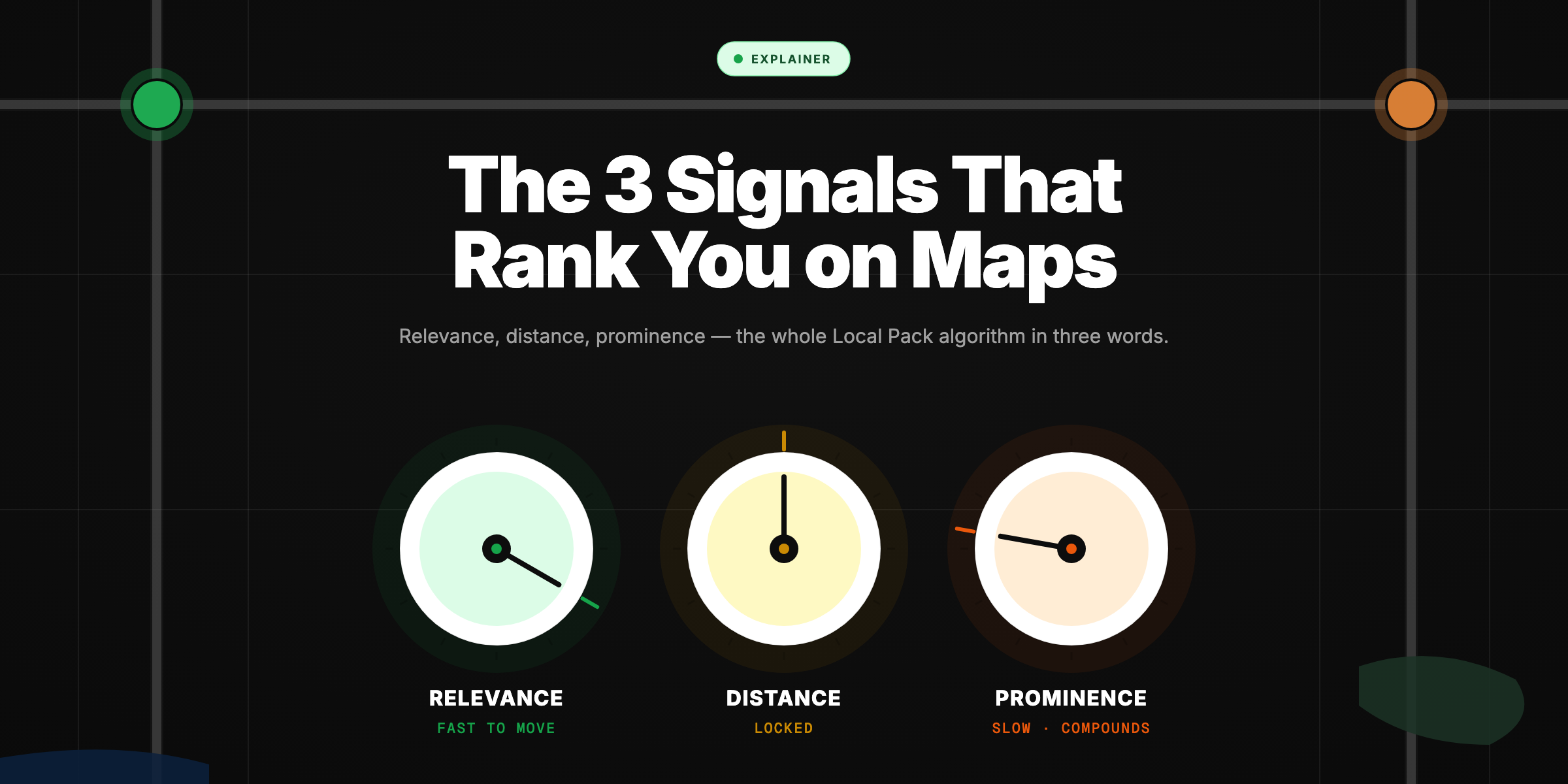
Google’s local ranking algorithm weighs three factors heavily: relevance, distance, and prominence. Distance is the loudest signal of the three. The closer the searcher is to your pin, the more likely you crack the Map Pack.
That means as a searcher walks (or drives) across your service area, three things shift in real time:
- Your distance to them changes.
- The pool of competing businesses near them changes.
- Their device’s context (movement, prior searches) changes.
All three move together. Your rank moves with them.
What a grid actually shows
This is why GetRankOnMap measures rank across a grid of points — not one. Each cell of the grid is a real search from that latitude/longitude. The dot is colored by where you ranked:
- Green — top 3 (you’re in the Map Pack).
- Yellow — 4–10 (close, but invisible to most clicks).
- Red — 11+ (you don’t exist for that searcher).
A heatmap of your actual rankings reveals patterns a single number hides:
- A "hot core" of green tiles around your shop fading to red at the edges.
- A dead zone where one competitor dominates an entire neighborhood.
- A boundary where rank flips inside one city block.
What to do with the data
- Find your weakest tiles. Those neighborhoods are where you’re losing every search to a competitor.
- Audit the competitor that owns those tiles. Their GBP profile, reviews, categories, posts, and citations — copy what works.
- Build proximity signals. Local citations, neighborhood-specific landing pages, geotagged review photos.
- Re-scan in 30 days. Watch the red tiles flip to yellow, the yellow to green.
Ranking is a map, not a number. Read the map.
Frequently asked questions
Why is my Google Maps rank different at different addresses?
Because the algorithm weighs distance heavily. As the search location moves, your relative distance to the user — and the set of competitors near them — both change. That changes the Map Pack.
How big should my rank grid be?
As big as the area you actually serve. A neighborhood salon needs a 2-3km grid. A city-wide HVAC business needs 15-20km. Larger grids cost more but show you every dead zone.
How often should I re-scan?
Monthly is enough for most local businesses. Re-scan after any major change: new GBP categories, big review push, competitor closing, Google algorithm update.
Explore with AI
Share this
Map your real rank across the city.
Free for the first 50 scans. No credit card.
Join the waitlist